An expert comparison of hot and cold storage, recovery phrase security, and the professional standard for long-term wealth preservation.
Hardware vs. Software: Choosing the Right Vault for Your Digital Assets (2026)
In a non-custodial system, asset security becomes a user responsibility.
When assets are held in a personal wallet, there is no intermediary responsible for recovery. The structure provides control, but it also requires a clear understanding of how that control is maintained.
In practice, digital asset storage falls into two categories:
software wallets (hot storage) and hardware wallets (cold storage).
Each serves a different purpose.
1. Software Wallets: Accessible but Connected
Software wallets—often referred to as hot wallets—are applications that run on a phone or computer.
Common examples include mobile or desktop wallets designed for self-custody.
How they work:
Where they are useful:
What to be aware of:
Practical framing:
A software wallet is comparable to a physical wallet—convenient for everyday use, but not typically used for long-term storage of larger amounts.
2. Hardware Wallets: Isolated Key Storage
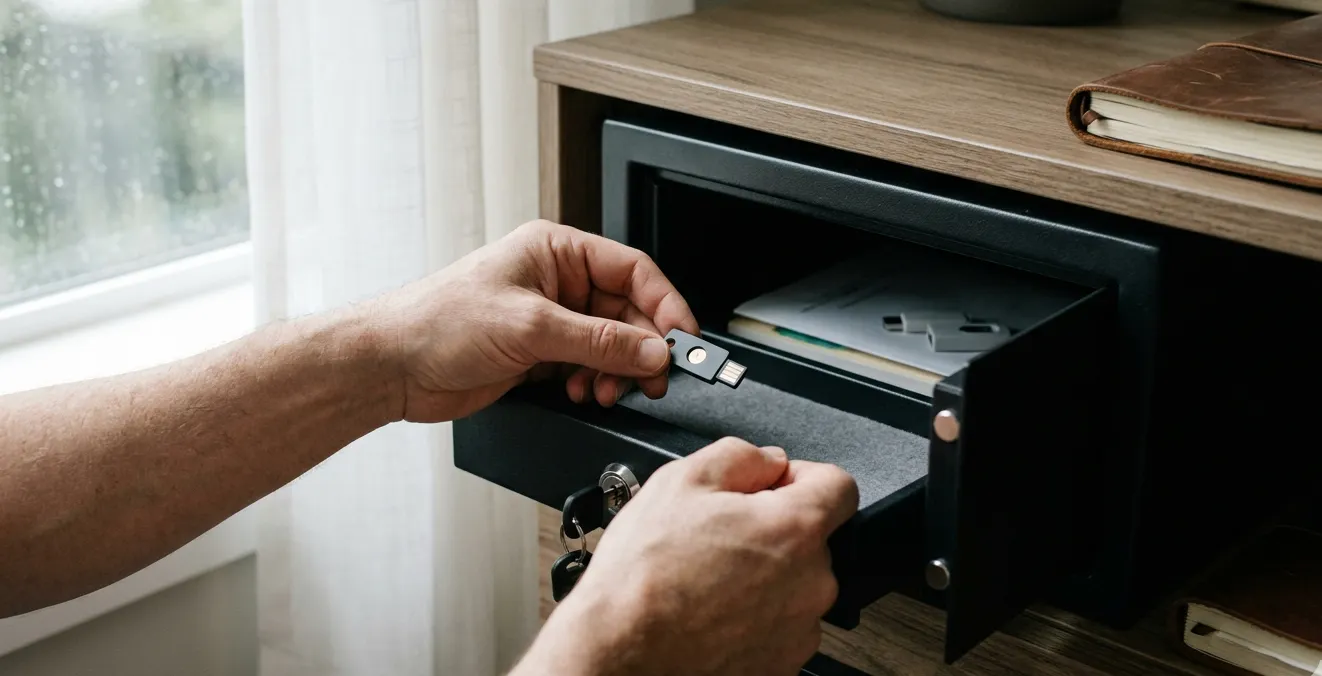
Hardware wallets—commonly referred to as cold storage—are dedicated physical devices designed to isolate private keys from internet-connected environments.
Examples include devices produced by Ledger, Trezor, and BitBox.
How they work:
Where they are useful:
What to be aware of:
Practical framing:
A hardware wallet functions more like a secure storage device—less convenient for frequent use, but designed to reduce exposure to online threats.
3. A Tiered Approach to Storage
Many users separate their holdings based on use case rather than relying on a single wallet type.
A common structure:
This approach balances accessibility with risk management.
4. The Recovery Phrase: The Critical Control Point
Regardless of wallet type, access ultimately depends on the recovery phrase (often 12 or 24 words).
This phrase:
On Long-Term Storage
While paper backups are a common starting point, they can degrade over time or be damaged by environmental factors such as fire or water.
For longer-term storage, some users choose more durable backup methods—such as metal plates designed to preserve recovery phrases under adverse conditions. The goal is to ensure the phrase remains accessible and legible over extended periods.
Key considerations:
Some users choose to store backups using more durable materials to reduce environmental risk over time.
This becomes particularly relevant when considering how assets are managed after purchase.
5. Additional Security Layers
Beyond the wallet itself, additional safeguards can be applied:
Each layer adds complexity, but also increases resilience if implemented correctly.
Where Most Issues Occur
Most security failures are not due to the wallet type itself, but to handling errors.
Common examples include:
In many cases, the system functions as designed—the issue arises from how it is used.
Final Thought
Non-custodial systems provide direct control over digital assets.
That control comes with responsibility.
For many users, a software wallet is a practical starting point. Over time, as holdings increase or the intended time horizon changes, transitioning to more secure storage methods becomes a consideration.
The goal is not maximum complexity, but an appropriate balance between access and protection.
Explore more insights in our crypto learning center →